MarkItDown Independent editorial guide

Paper Circuit Notes

MarkItDown for document-to-Markdown workflows.

MarkItDown is a Microsoft open source Python utility designed to convert PDFs, Office files, HTML, images, audio, and more into Markdown that works well inside LLM and text-analysis pipelines.

This site is not affiliated with Microsoft. It exists to help developers understand where MarkItDown fits, what it supports, and how to start using it quickly.

Best fit
LLM, RAG, and search indexing prep
Interface
CLI, Python API, plugins
Output
Markdown with preserved structure
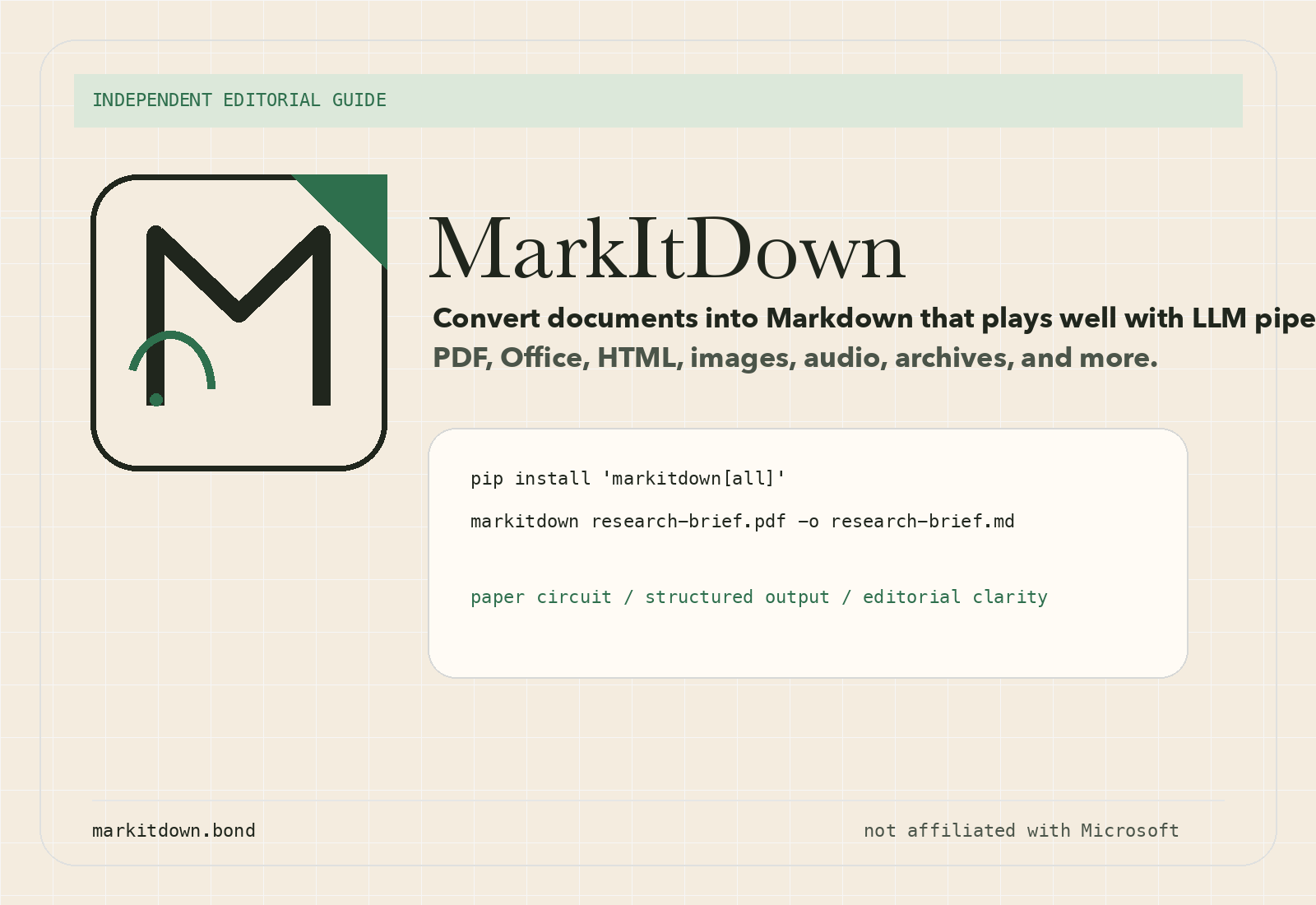
Editorial brand poster for MarkItDown with abstract folded-paper emblem.

Fast Start

pip install 'markitdown[all]'
markitdown quarterly-report.pdf -o quarterly-report.md

What It Is

A lightweight converter built for structure, not visual fidelity.

Why people search for MarkItDown

Most teams are not trying to recreate a document pixel-for-pixel. They need headings, lists, links, tables, and surrounding context extracted into a text format that downstream systems can parse, embed, summarize, and reason over.

Why Markdown is a practical target

Markdown stays close to plain text while keeping useful structure intact. That balance makes it a strong handoff format for LLM prompts, retrieval pipelines, dataset prep, knowledge indexing, and agent workflows.

Supported Inputs

Broad format coverage without turning the homepage into a docs dump.

The official project currently lists support across common business documents, web formats, media, and container types. The exact converter stack depends on which optional extras you install.

01

PDF and Office

PDF, Word, PowerPoint, Excel, and legacy spreadsheet cases are the core “bring documents into Markdown” path.

02

HTML and structured text

HTML, CSV, JSON, XML, and other text-based inputs are useful when you want normalized Markdown for later analysis.

03

Images and audio

Image descriptions, OCR-style flows, metadata extraction, and audio transcription can feed Markdown-first workflows.

04

Archives and web sources

ZIP iteration, YouTube transcription paths, EPUB support, and plugins make the project useful beyond a single file type.

Preserve structure

Headings, lists, tables, and links survive the conversion, which keeps downstream prompts cleaner.

Stay token-efficient

Markdown keeps enough semantics without dragging along presentation-layer noise from original formats.

Use the interface you need

Start with the CLI, move to the Python API, and add plugins only when the workflow actually calls for them.

Install and Use

Two examples are usually enough to decide whether it fits your stack.

CLI example

Good for shell pipelines, quick document tests, and one-off conversions.

pip install 'markitdown[all]'
markitdown input.pdf -o output.md
cat input.pdf | markitdown > streamed.md

Python example

Useful when conversion is one step inside a larger ingestion or agent pipeline.

from markitdown import MarkItDown

md = MarkItDown(enable_plugins=False)
result = md.convert("sample.docx")
print(result.text_content)

When MarkItDown is the right tool

Choose it when your priority is structured Markdown for machines and semi-structured reading, not perfect visual reproduction for human-facing publishing. That is the core tradeoff behind the project.

FAQ

Short answers to the questions that usually come up first.

Is this the official MarkItDown website?

No. This page is an independent guide. Use the official GitHub repository and PyPI package for installation, releases, and source code.

Does it only work with PDFs?

No. The project supports many formats, including Office documents, HTML, text-based formats, images, audio, ZIP files, YouTube URLs, EPUBs, and more.

Is MarkItDown the right choice for visually perfect exports?

Usually no. The project is oriented toward structured Markdown output for downstream tools, not high-fidelity visual reproduction.

Can I use it inside LLM and RAG pipelines?

Yes. That is one of the clearest fits: convert inputs into structured Markdown, then pass the output into chunking, retrieval, analysis, or agent workflows.